Paid before it leaves the window
An order can't be marked picked up until the money is in: card, a matched e-Transfer, or cash you've recorded. No tabs, no IOUs.
How e-Transfers get matchedEverything a pick-up kitchen needs to take orders, get paid and bring customers back, in one place.
An order can't be marked picked up until the money is in: card, a matched e-Transfer, or cash you've recorded. No tabs, no IOUs.
How e-Transfers get matchedSet how many pick-ups each time can take. When a time is nearly full, customers see Only 2 pick-ups left Pause new orders with one tap.
Your own text list grows with every order. Send deals to everyone or just the right customers.
Staff run the kitchen screen. Sales, profit and refunds sit behind your owner PIN.
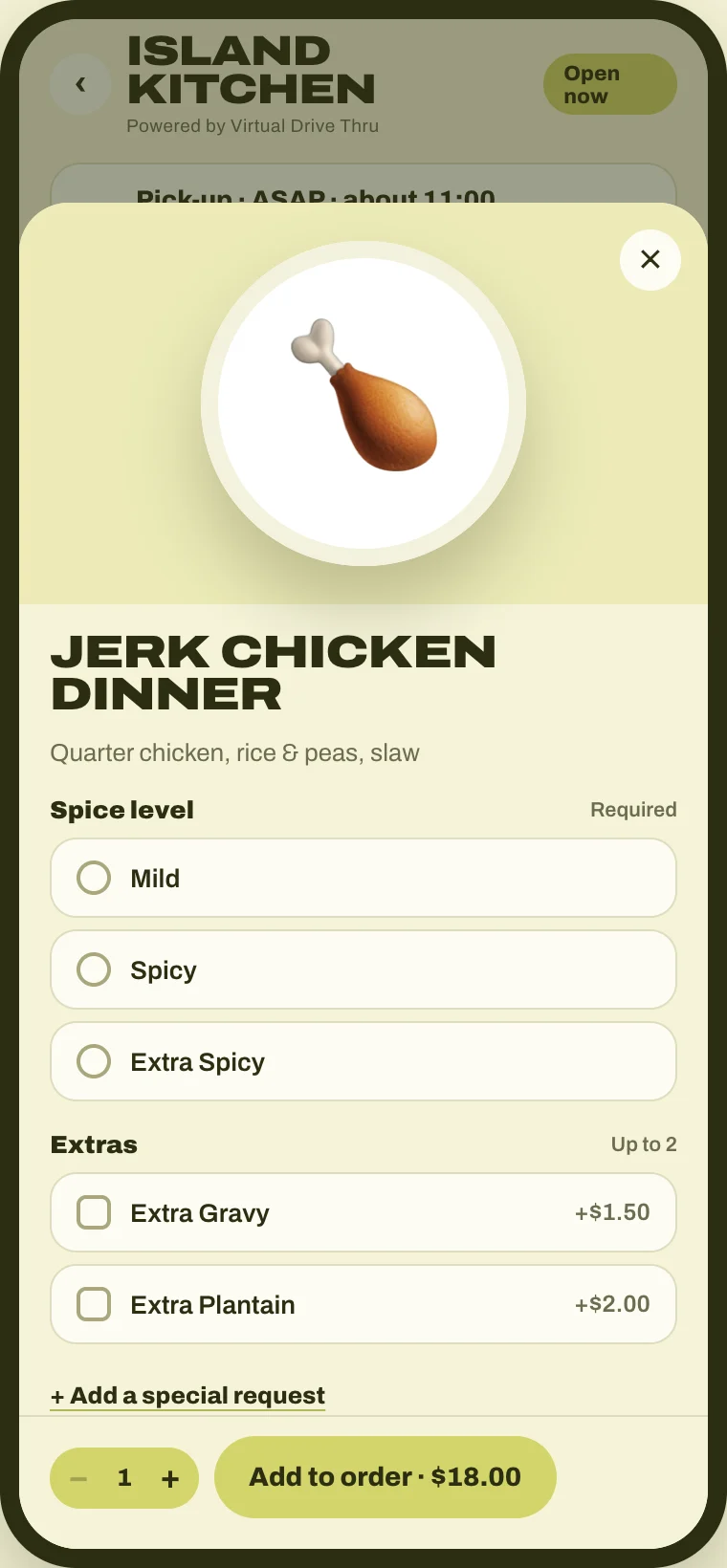
Add your logo and the ordering page takes its colours. Change prices, add photos and mark dishes sold out any time.
Stamp cards and promo codes tied to the customer's phone number. “Order again” takes two taps.
A catering form on your page. Requests land in one list with call, text and email buttons.
Only a customer who picked up an order can review it, and every review is marked “Verified order.”
Customers pay by Interac e-Transfer like they already do. You stop scrolling your inbox to work out who paid for what.
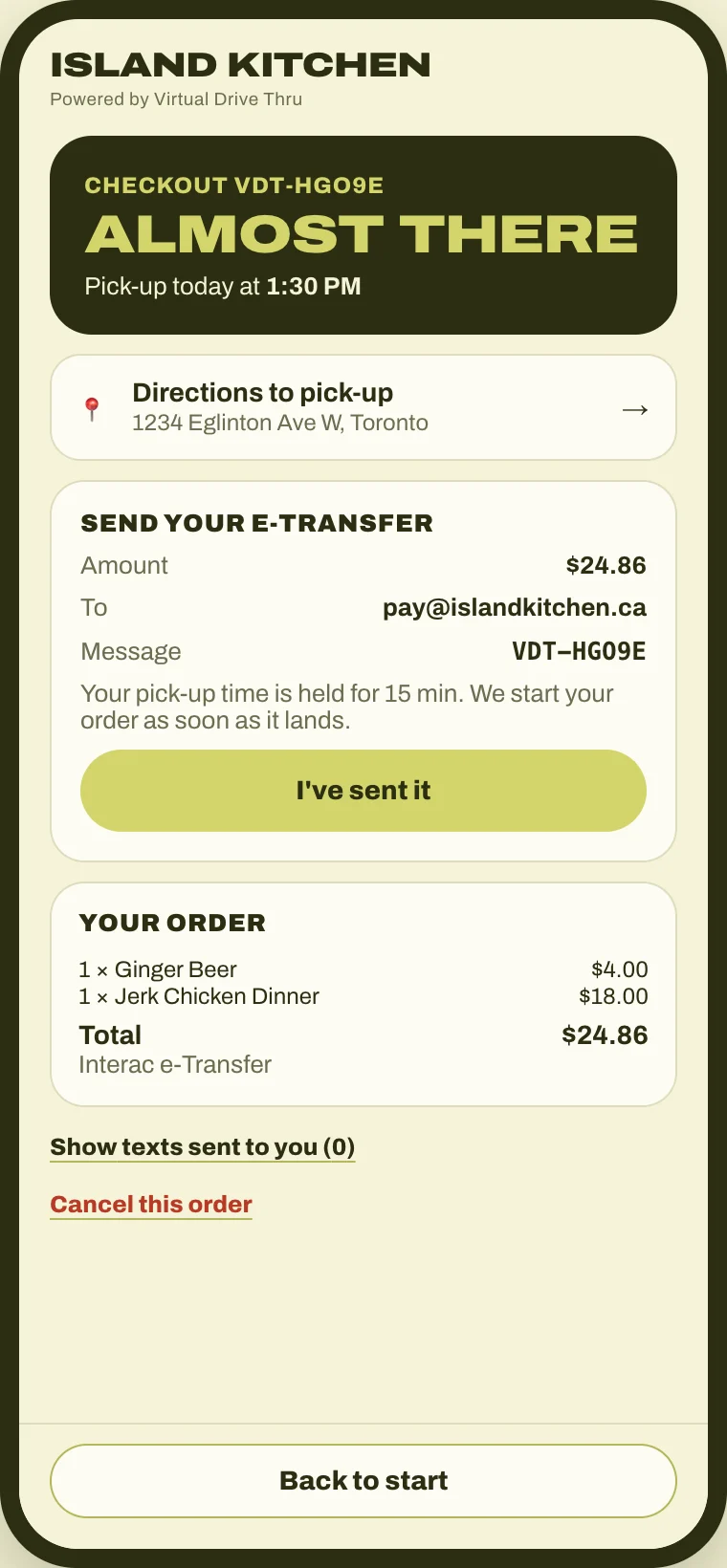
At checkout they get the amount, your e-Transfer email and a short code to put in the message. Their pick-up time is held while they send it.
You forward your e-Transfer notices to your private Virtual Drive Thru address. You set this up once.
Each notice is checked to make sure it really came from the e-Transfer system, not from someone pretending.
The code, the amount and the timing have to line up. Then the order is marked paid and goes to your kitchen screen.
No code, the wrong amount or a stranger's payment lands in your review list, never straight in the kitchen.
No. You set up a forwarding rule in your email so only your bank's e-Transfer notices come to your private Virtual Drive Thru address. We never see your bank login, and we can't read the rest of your inbox.
The payment goes to your review list with the amount and the sender's name. You match it to the order with one tap.
Too little and the order waits in your review list. Too much and the order shows what you owe back, so nothing gets missed.
No. A screenshot never marks an order paid. Only a real notice from the e-Transfer system, with the right code and amount, does.